A hosting reseller looking at Docker application hosting usually asks one question first: do I need to give customers root to run containers on my server? The short answer is no, and the mechanics of how that works are what decide whether the business is sellable to strangers or only safe for yourself.
What Does the Customer Actually Buy?
Not a separate "Docker product." A customer buying Docker app hosting buys hosting resources — RAM, CPU, and a container count — the same units a hosting plan already sells. Once those resources exist on the account, the customer installs whatever application fits inside them from a catalogue, rather than ordering one named product per app. This is the same reason "sell Docker hosting" and "sell app hosting" tend to describe the same business: the product is capacity, and the app is a choice made after checkout, not a separate SKU per app.
The Three Shapes an Operator Can Sell
Under PNLCS, an open-source hosting billing platform with Docker app hosting built in, an operator configures which of three shapes a plan sells:
- Ordinary hosting with apps included — a standard hosting plan where the customer can also install apps from the catalogue alongside their websites.
- App Hosting — the order installs one named app automatically on signup and points a domain at it, so checkout delivers a working application rather than a blank account the customer has to configure.
- A container plan with no website at all — isolated container capacity for a customer who has no web hosting requirement, just apps.
All three sell the same underlying resource pool; they differ only in how much of the setup work is done for the customer before they see the account.
Is Docker Alone Safe for Multi-Tenant Hosting?
Plainly: no, not on its own, and any operator selling to strangers needs to know why. Containers share the host kernel, so a container escape or a misconfigured container is a path from one tenant to another unless something stops it. In a PNLCS-provisioned account on Panelica, that something is enforced at the platform level, not left to the customer's configuration:
- Containers are unprivileged — no privileged mode, ever.
- Every container runs inside the account's own cgroup slice, not loose on the host, so CPU, memory and process limits apply per tenant.
- The API that creates containers refuses privileged containers, added Linux capabilities, and host-path mounts outright — a customer, or a compromised template, cannot request its way out of the boundary.
- One tenant cannot see or reach another tenant's containers, images or volumes.
That is the difference between "we run Docker" and "we sell container hosting to the public." The first is a feature; the second is a security boundary, and it has to hold regardless of what a customer's chosen app does inside its own container.
What the Customer Sees
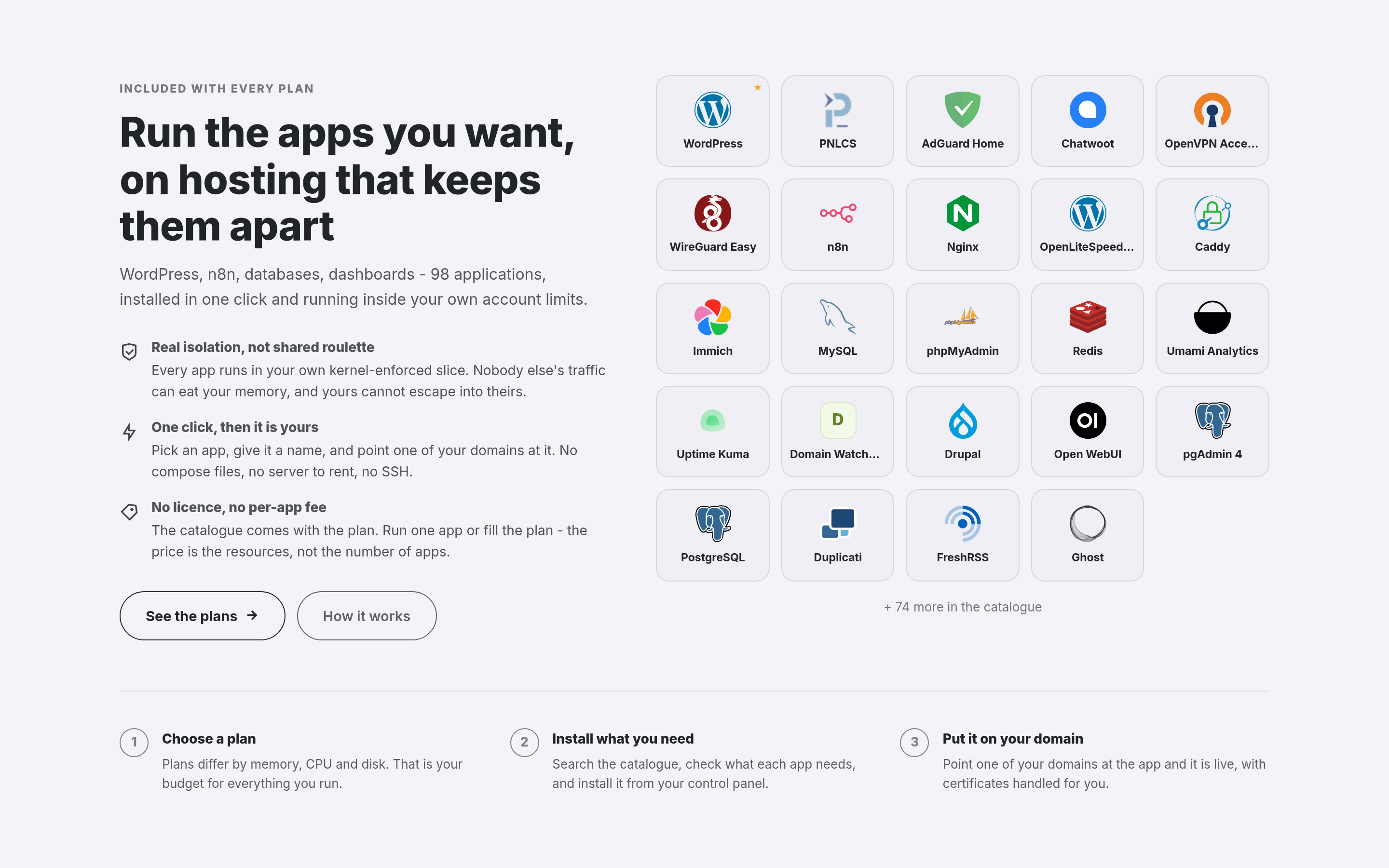
The app showcase on the customer-facing homepage — heading, copy, button text and how many apps to display are all editable from the admin Homepage screen.
A customer working from the client portal browses a catalogue of roughly 98 apps grouped by category. Each app card states, before installation, the memory the app needs and how many containers it starts — an app that needs more than the plan allows is marked before it is chosen, not after it fails partway through. From there the customer can:
- Install directly from the card.
- See connection details — address and first login — for each running app.
- Point one of their own domains at an installed app.
- Open a shell into any container from the panel, with no separate SSH access required.
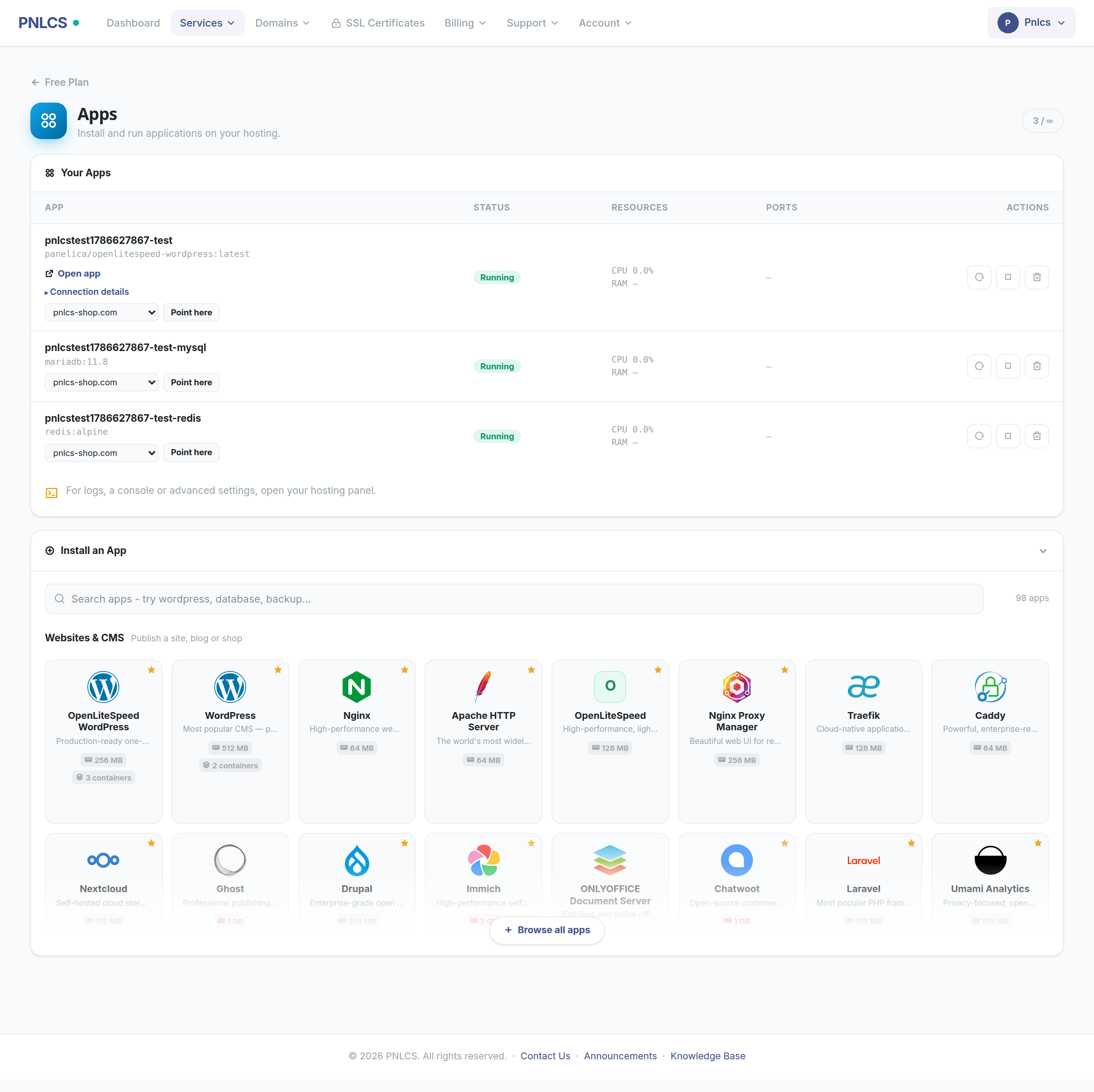
Installing an app from the customer's own control panel: searchable, grouped the way people shop, memory and container count stated on every card.
Where the Operator Curates the Catalogue
An operator does not have to offer all 98 apps by default, and most will not want to. The admin App Catalogue screen controls which apps are offered, which are featured on the homepage, the display order, and each app's tagline and logo — the logos for the whole catalogue ship with the project, so a fresh install already looks complete without an operator sourcing artwork.
Shared Hosting, VPS, and Container App Hosting Compared
| Model | Who patches the OS | Isolation boundary | What the customer can install | What the provider supports |
|---|---|---|---|---|
| Shared hosting | The provider | Per-account limits on one shared OS (cgroups, namespaces, chroot) | Websites and apps the panel exposes; no arbitrary software | The panel and its features, not customer code |
| VPS | The customer | A full virtual machine per customer | Anything — the customer owns the OS | The virtual machine's uptime, not what runs inside it |
| Container app hosting | The provider | Unprivileged containers in the account's own cgroup slice; no privileged mode, added capabilities or host-path mounts | Any app from the catalogue that fits the account's resources | The catalogue's apps and the resource envelope, not customer-supplied images |
Frequently Asked Questions
Is there a WHMCS alternative with Docker hosting built in?
PNLCS is a free, MIT-licensed, self-hosted hosting billing platform — a WHMCS alternative — with Docker application hosting sold and managed end to end, alongside the domain, invoicing, ticketing and DNS features a billing platform is expected to have. The source is on GitHub, the documentation is at panelica.github.io/pnlcs, and a live install is running at hosting.panelica.com.
Do I need to build a separate product for every app?
No. The customer buys a resource envelope and picks an app from the catalogue afterwards, or, for App Hosting, the operator's product ties one specific app to signup. Either way, the catalogue itself is shared infrastructure, not one product configuration per app.
Can one customer's container reach another customer's data?
Not through the container platform. Containers are unprivileged, confined to the owning account's cgroup slice, and the provisioning API rejects privileged mode, added capabilities and host-path mounts before a container is ever created.
Does a customer need SSH access to use the containers?
No. The panel provides a shell into any container directly from the browser; nothing requires exposing SSH to the customer's containers separately.
Where to Look Next
The full catalogue, the resource math behind it, and the isolation model are covered in more detail on the Panelica product site and in the community forum, where operators running this in production compare notes on plan sizing and app selection.