What PNLCS is
PNLCS is an open-source, MIT-licensed hosting billing platform and client portal — a free, self-hosted alternative to WHMCS. It covers the full customer lifecycle: product catalogue, checkout, recurring invoicing, domain registration, SSL certificate management, support tickets, knowledge base and affiliate tracking. It is built with Laravel 13, PHP 8.3+, MySQL 8, Alpine.js and Tailwind CSS 4.
PNLCS is developed and maintained by the Panelica team, and it integrates natively with Panelica through a built-in server module — but it is control-panel agnostic. Server modules also exist for cPanel, Plesk, DirectAdmin, HestiaCP, Proxmox and Vultr, so an operator can mix and match panels in a single install.
- Project home: pnlcs.com
- Live demo: hosting.panelica.com
- Source code: github.com/Panelica/pnlcs
- Documentation: panelica.github.io/pnlcs
What's new: PNLCS now sells Docker application hosting
The headline addition is that PNLCS can sell and manage Docker application hosting end to end, not just traditional shared hosting. A customer buys hosting resources — RAM, CPU and container count — and installs any application that fits inside them from a catalogue of around 98 one-click apps: WordPress, Nextcloud, n8n, Ghost, databases, remote desktops, and plain OS containers such as Ubuntu, AlmaLinux, Debian and Alpine.
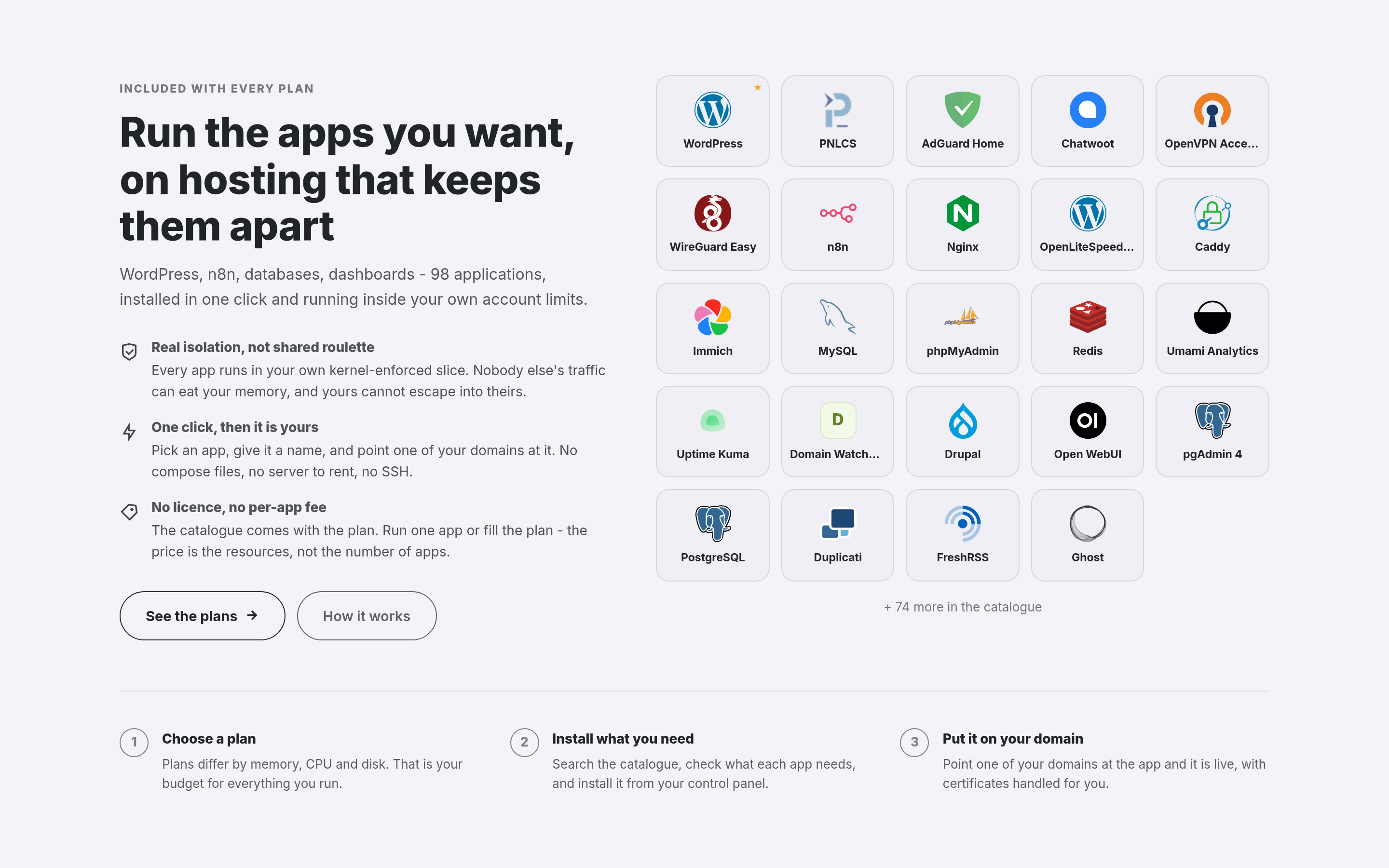
The app showcase on the customer-facing homepage: the heading, copy, button and how many apps to display are all editable from the admin Homepage screen.
Three ways to sell it
An operator can offer this in three product shapes, configured per hosting plan:
- Ordinary hosting with apps included — a standard hosting service where the customer can additionally install apps from the catalogue.
- App Hosting — the order installs a single named app on signup and points a domain at it, so checkout and provisioning deliver a ready-to-use application rather than a blank hosting account.
- A container plan with no website at all — for customers who just want isolated container capacity, with no web hosting attached.
The customer's app catalogue
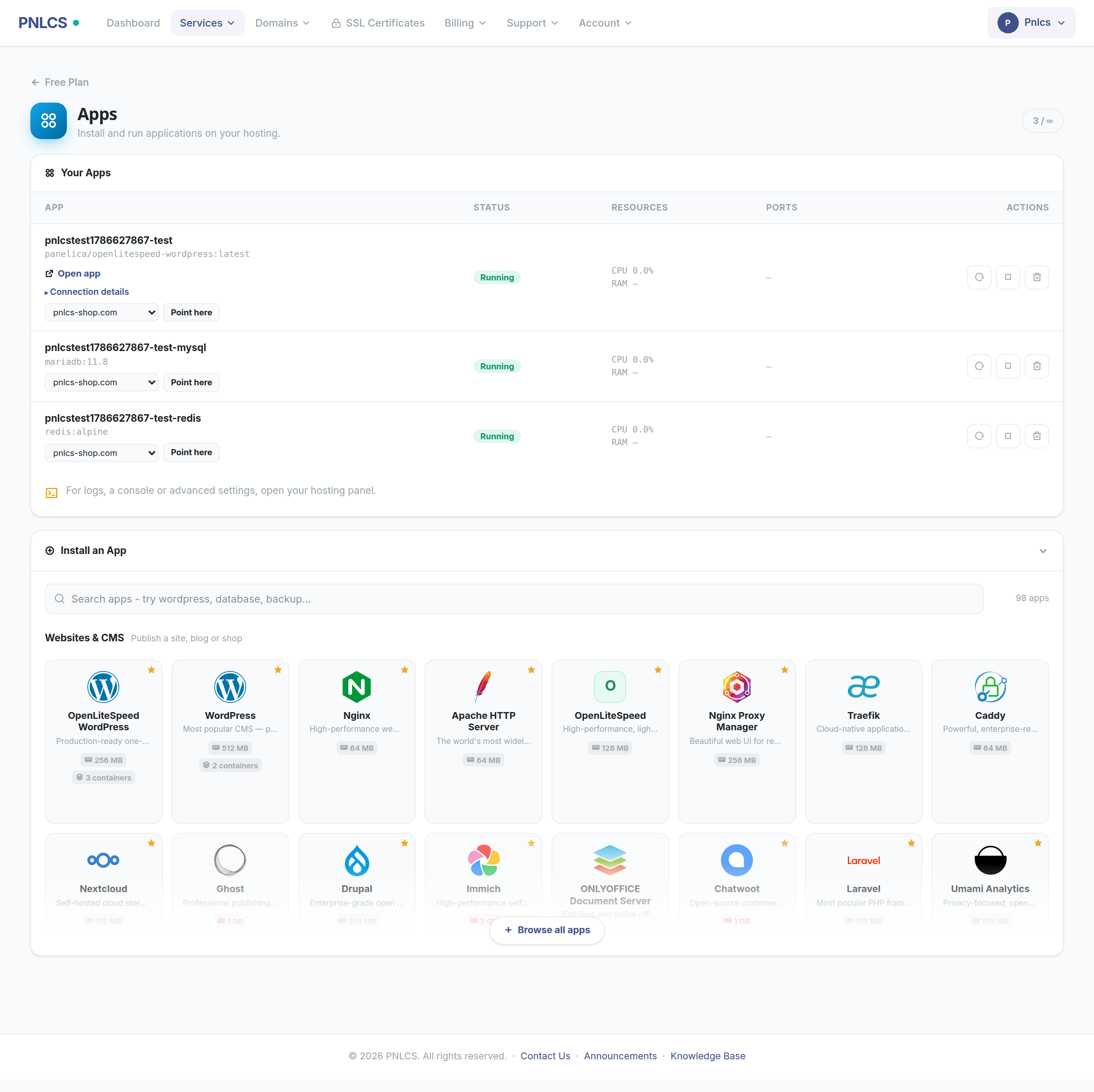
Installing an app from the customer's own control panel: searchable, grouped the way people shop, and every card states the memory the app needs and how many containers it starts. An app that needs more than the plan allows is marked before it is chosen, not after it fails.
From a service's page in the client portal, a customer can browse the catalogue by category, see what each app needs (memory, number of containers), install straight from the card, view connection details — address and first login — for each running app, point one of their own domains at an app, and open a shell into any container.
Fenced to the customer's own account
The billing platform's server API key is operator-scoped — on its own that would mean it can see every account on the box. PNLCS does not make that mistake: every list and every action against the server is filtered by account ownership, the same discipline already applied to the file manager, DNS zone editor, cron jobs and backups described below. Containers themselves are unprivileged, run inside the customer's own cgroup slice, and the underlying API refuses privileged containers, extra Linux capabilities and host-path mounts.
What the operator curates
Not every app in the catalogue has to be offered, and an operator does not have to expose all 98 by default. The admin App Catalogue screen controls which apps are sold, which are featured, their display order, and their taglines and logos — 95 app logos ship with the project so a new install already looks complete.
The rest of the hosting toolkit, for context
App hosting sits alongside the hosting management tools PNLCS already ships for accounts provisioned through the Panelica server module. A customer manages files, mailboxes, databases, FTP accounts, subdomains, DNS records, cron jobs and backups without leaving the billing portal:
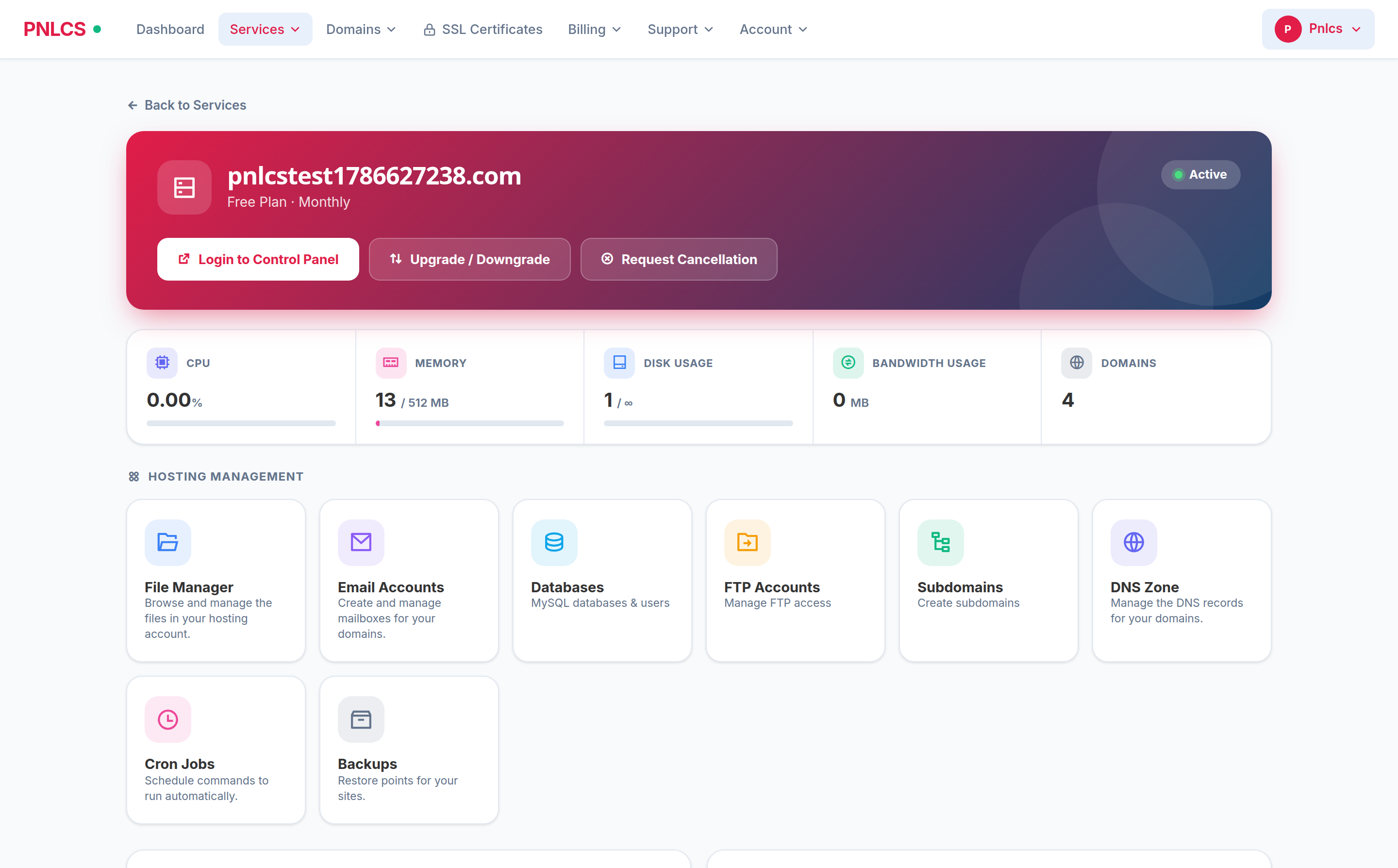
A hosting service in the client portal: live CPU/memory/disk/bandwidth from the server, and eight working tools underneath.
The same account-fencing rule applies here too. A DNS zone editor is a fast way for a customer to take their own site offline, so the records the hosting depends on — SOA, NS, and the apex/www A records — are shown as managed and cannot be edited or deleted from billing:
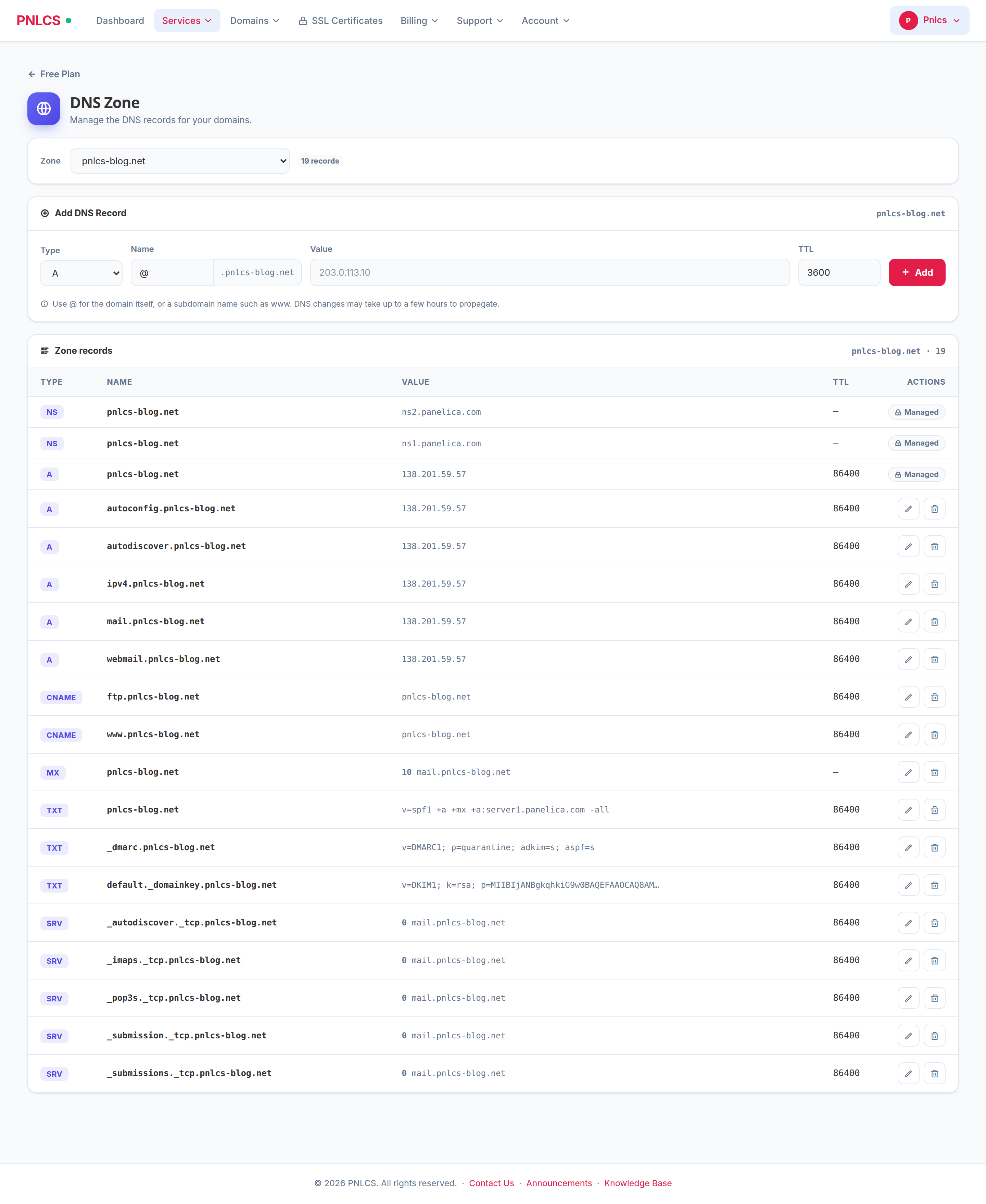
One zone at a time, records ordered the way an operator reads them, delegation and apex records locked.
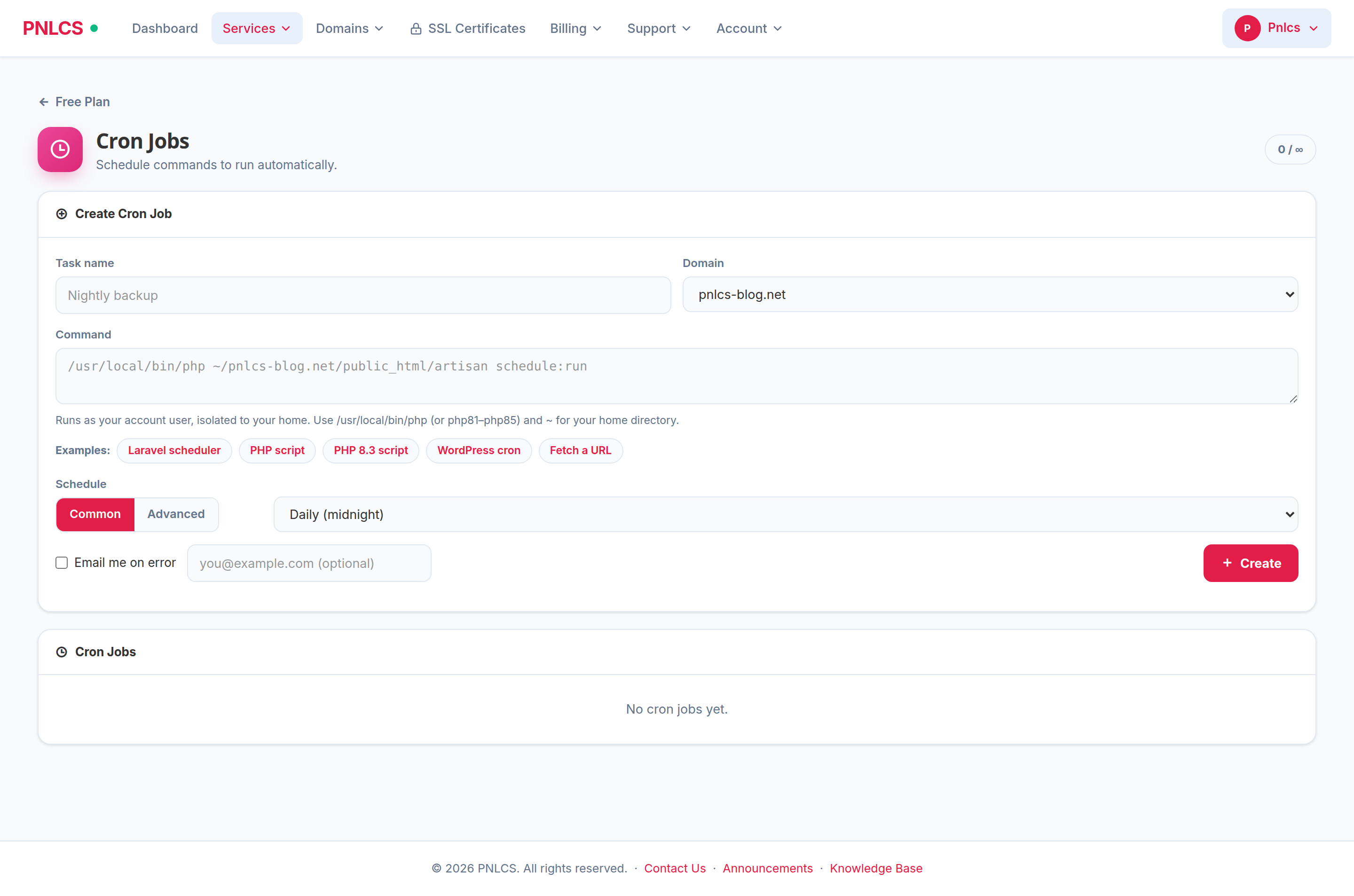
Common schedules or a full five-field expression, with example commands filled in against the customer's real domain path.
Admin side
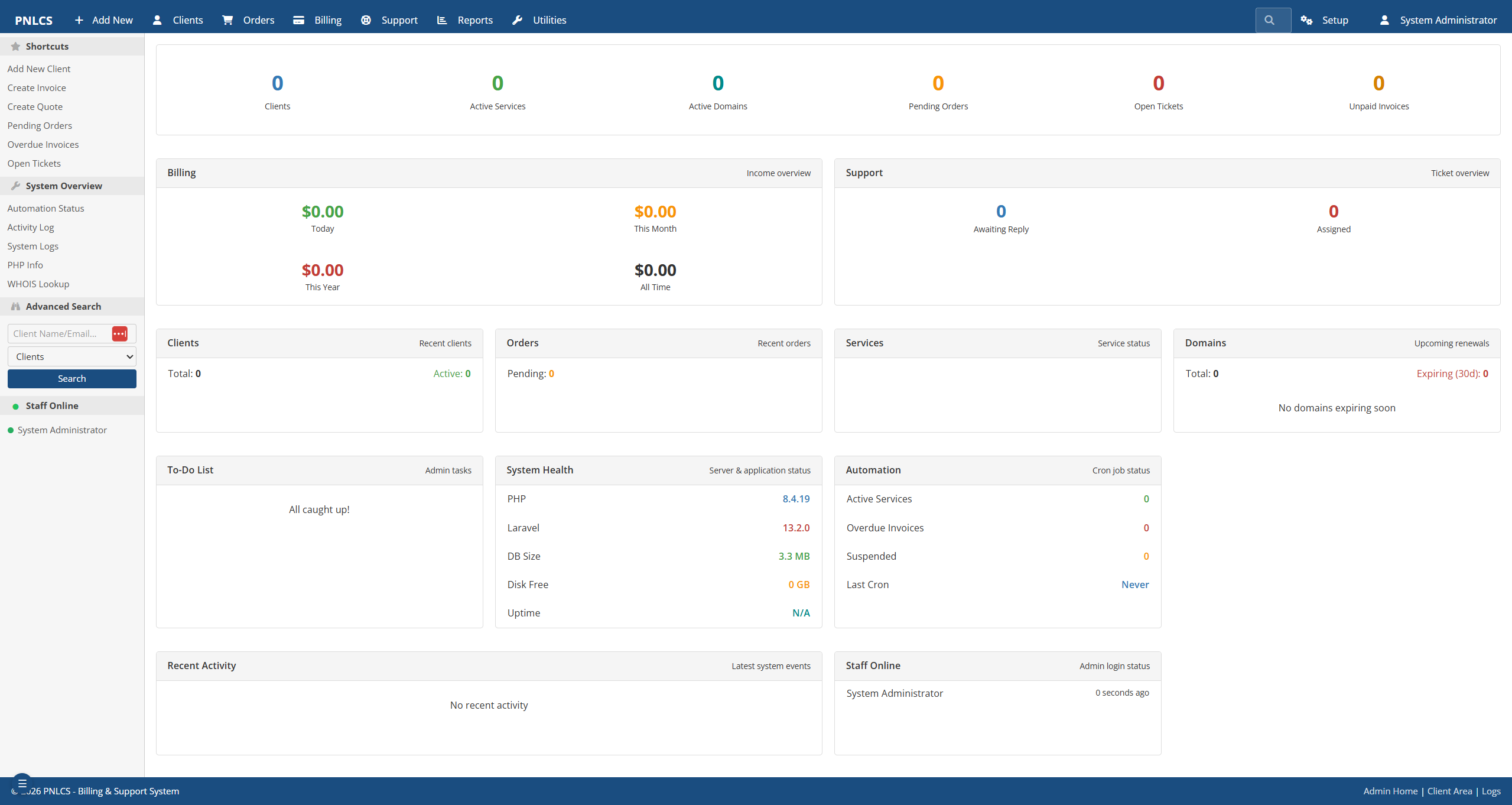
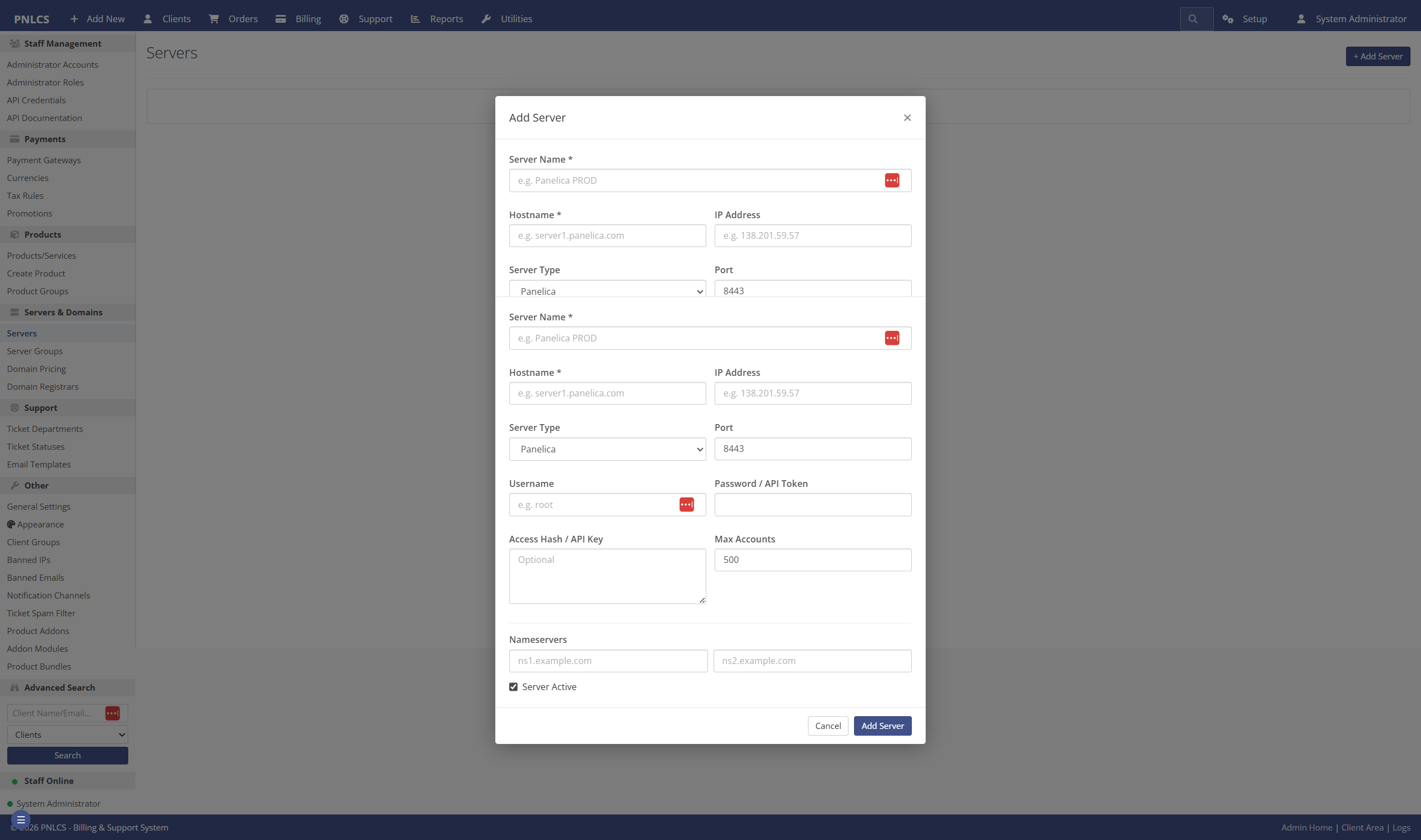
On the operator side, PNLCS covers a dashboard with revenue, orders and ticket overview, a server module manager for connecting Panelica, cPanel, Plesk, DirectAdmin, Proxmox or custom servers, a ticket system with departments and escalation rules, and a WordPress-style theme system with 15 built-in themes:
Try it
The fastest way to look at PNLCS is the live demo. To run it yourself, an official Docker image bundles PHP-FPM, nginx, Node.js and supervisor and clones the latest code on first start — no manual composer install or npm run build needed. A self-hosted install without Docker is also documented, requiring PHP 8.3+, MySQL 8 (or MariaDB 10.6+), Node.js 18+ and Composer 2.x.
- Live demo: hosting.panelica.com
- Source and issue tracker: github.com/Panelica/pnlcs
- Documentation and getting-started guide: panelica.github.io/pnlcs
PNLCS is a side project maintained by the Panelica team alongside the main Panelica control panel. The core billing flows, the Panelica server module and the Stripe gateway are tested in production; several other server modules and payment gateways have working code that has not yet been exercised against live provider accounts — the project is MIT-licensed and open to pull requests from anyone who wants to help verify them.