The WordPress Speed Problem
A typical WordPress page load involves dozens of database queries, PHP execution, and theme rendering. Even with good hosting, uncached WordPress pages take 500ms to 3 seconds to load. Every second of delay reduces conversions, hurts SEO rankings, and frustrates visitors.
The Solution: Two-Layer Caching
Panelica's Boost feature implements two complementary caching layers:
Layer 1: Object Cache
WordPress constantly queries the database for options, user data, transients, and post metadata. Object caching stores these results in Redis (in-memory), eliminating repetitive database queries. This alone can cut page generation time by 30–50%.
Layer 2: Full-Page Cache
This is the performance breakthrough. The entire rendered HTML page is stored in Redis. When a visitor requests a cached page, it is served directly from memory — bypassing PHP and MySQL entirely. Response times drop to under 10 milliseconds.
How It Works
| Request Type | Without Cache | With Boost |
|---|---|---|
| First visit (cold) | 1–3 seconds | 1–3 seconds (generates cache) |
| Repeat visit (warm) | 1–3 seconds | 5–15 ms (from Redis) |
| Logged-in user | 1–3 seconds | 500ms–1s (object cache only) |
| Admin pages | 1–3 seconds | 500ms–1s (object cache only) |
Smart cache exclusion: Logged-in users, admin pages, WooCommerce cart/checkout, and POST requests are never served from full-page cache. Dynamic content always works correctly.
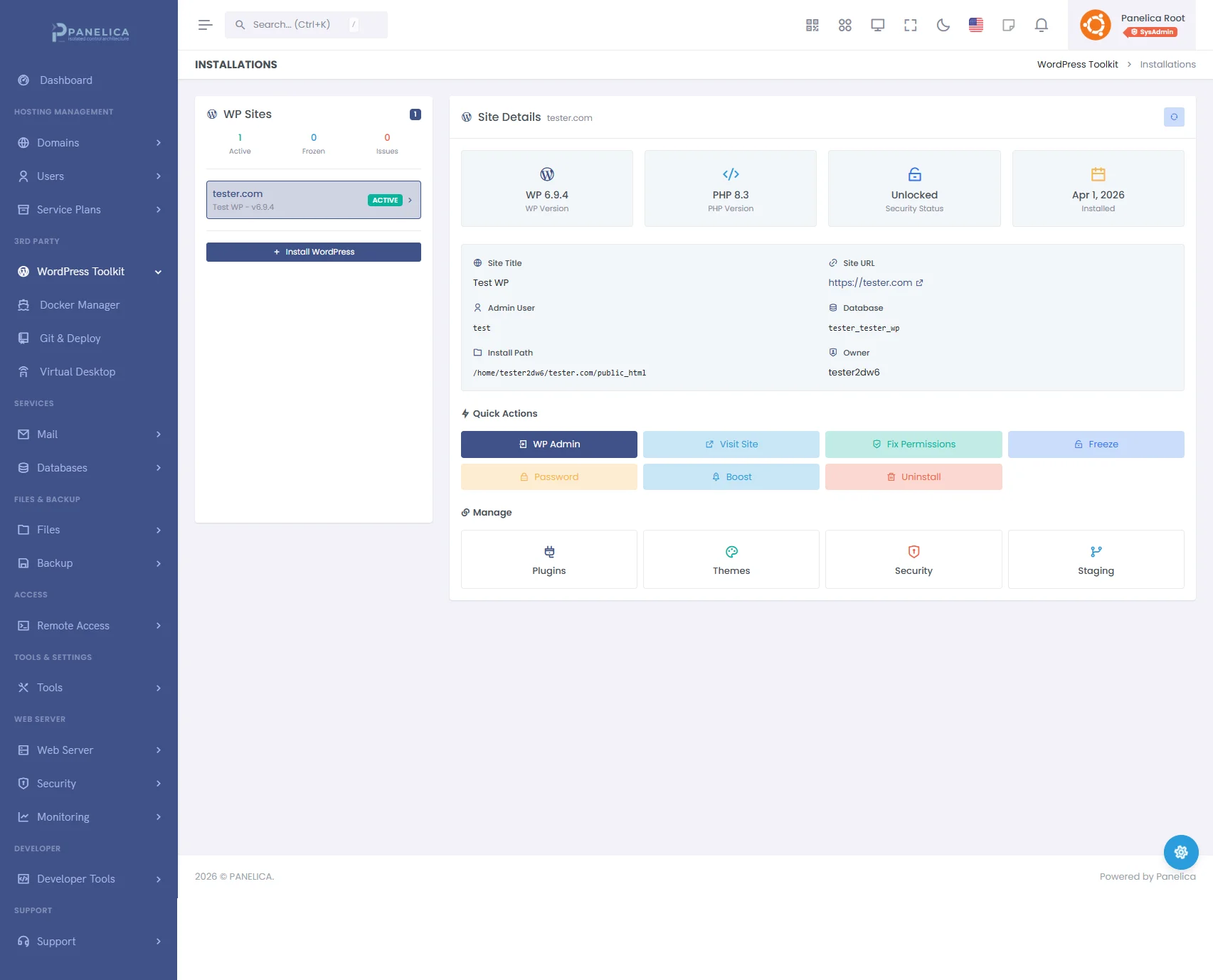
Panelica WordPress Toolkit — Complete WordPress management from your panel
Enable Boost in One Click
- Go to Domains in your Panelica panel
- Select the domain running WordPress
- Open the WordPress tab
- Click the Boost toggle
That is it. Panelica automatically:
- Installs the object cache drop-in (
wp-content/object-cache.php) - Configures the full-page cache bootstrap
- Sets the correct Redis connection parameters
- Validates the WordPress installation
Real-World Impact
Before and after enabling Boost on a typical WordPress blog with 50 posts and a standard theme:
| Metric | Before | After |
|---|---|---|
| TTFB (Time to First Byte) | 890 ms | 12 ms |
| Full page load | 2.1 seconds | 380 ms |
| Database queries per page | 47 | 0 (cached) |
| Server load under traffic | High CPU/MySQL | Minimal (Redis only) |
Cache Management
The cache is automatically invalidated when you:
- Publish or update a post
- Change theme settings
- Update plugins
- Modify menus or widgets
You can also manually clear the cache from the WordPress admin bar or the Panelica panel.
Summary
WordPress does not have to be slow. Panelica's Boost feature combines object cache and full-page cache to deliver page load times measured in milliseconds, not seconds. Enable it with one click and see the difference immediately in your Core Web Vitals scores.